Add it your way
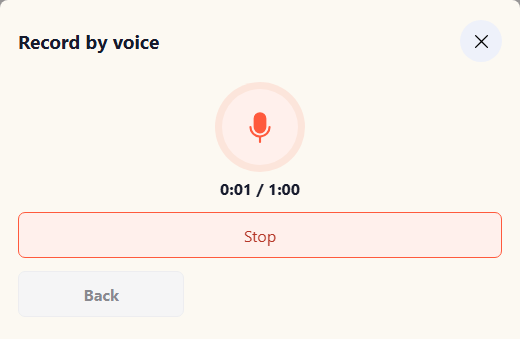
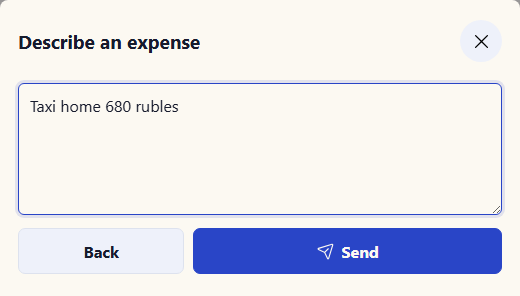
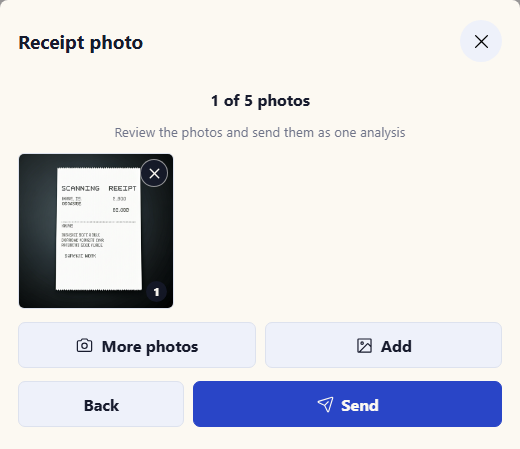
Add it manually, by text, voice, or photo in the app. The same quick options work in Telegram.
Learn more about the Telegram botApp and Telegram bot
Add it to your phone’s home screen and record expenses by voice, text, or receipt photo. Free, with no card required.
Expense
550 ₽Coffee shop · todayA PWA opens from a regular link and can then be added to your home screen. Once installed, it opens in its own window and stays close at hand, just like a familiar app.
Track personal expenses without spreadsheets, rigid forms, or trying to remember everything at night.
Add it manually, by text, voice, or photo in the app. The same quick options work in Telegram.
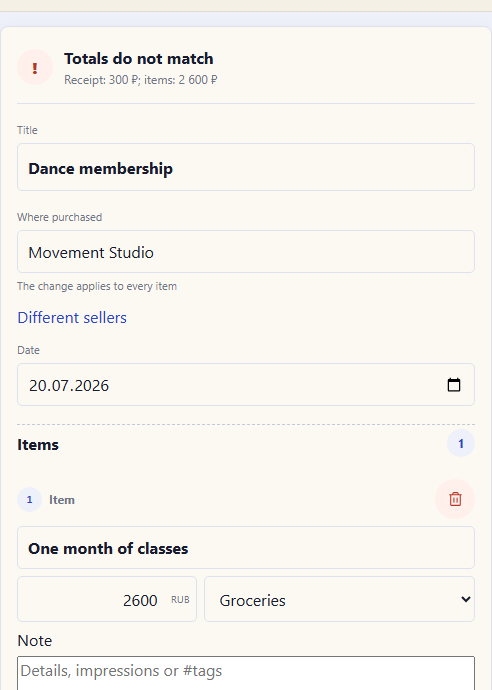
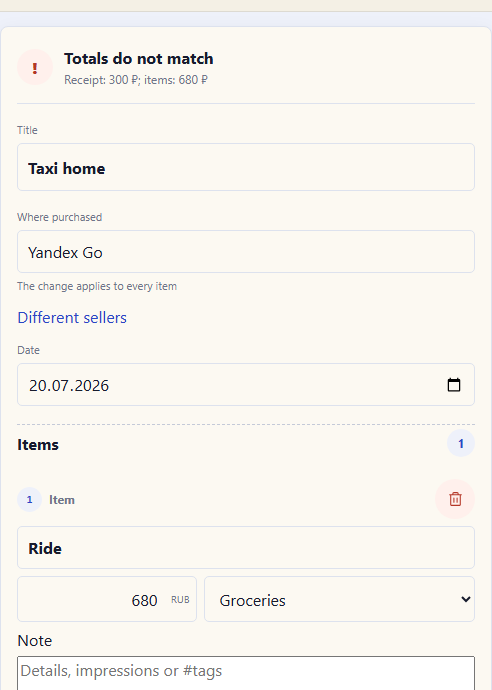
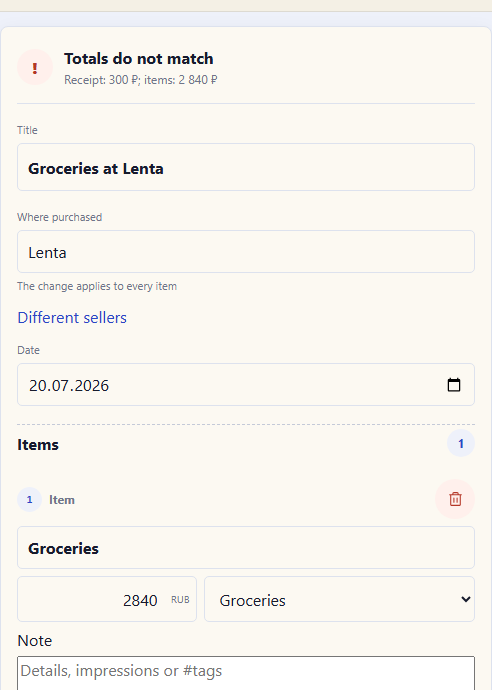
Learn more about the Telegram botYou can adjust the amount, merchant, date, and category before saving.
The confirmed expense appears in your history and summaries.
The service prepares an entry. You confirm, edit, or cancel it.
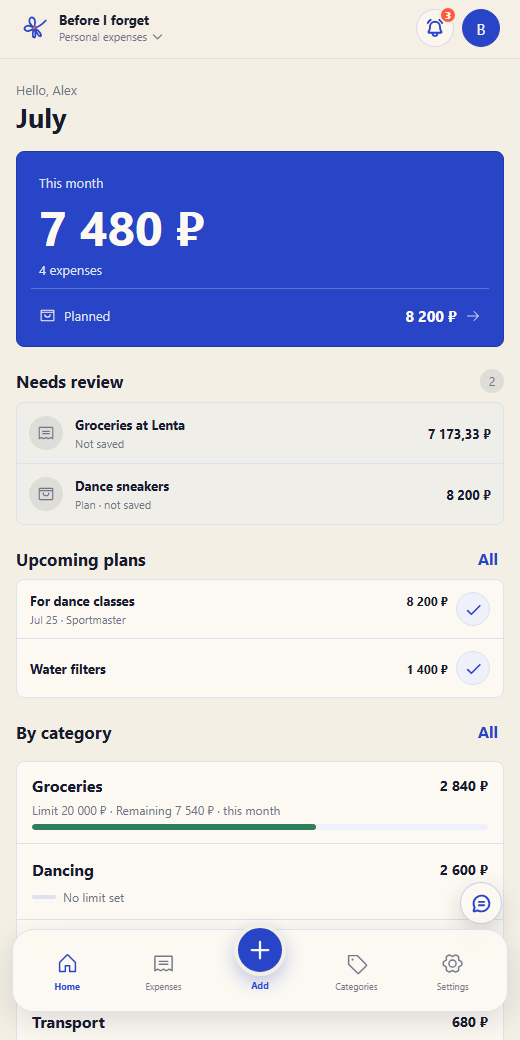
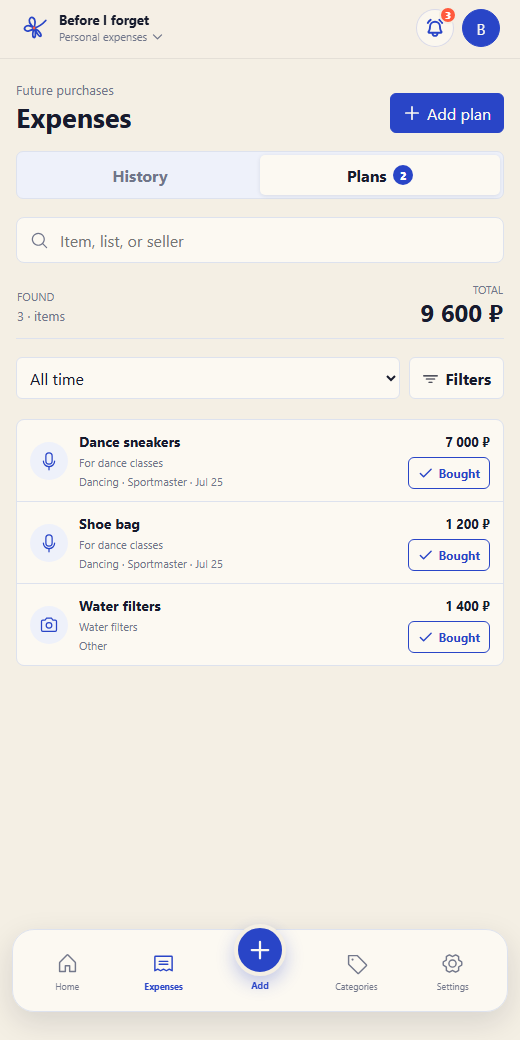
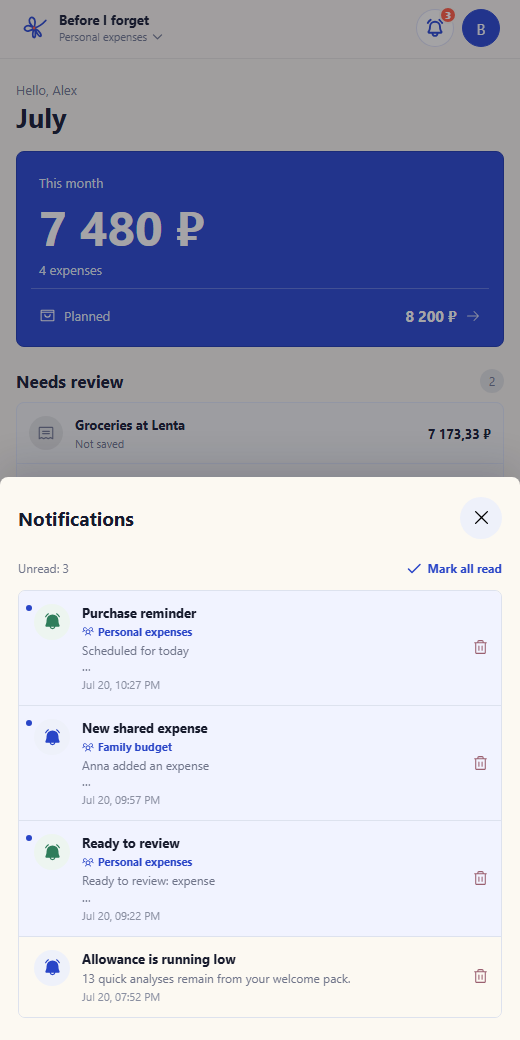
The app brings history, plans, limits, and shared expenses together. Everything you need is a few taps away.
Straightforward pricing
History, manual entry, editing, and access to your data remain available on both plans.
For getting started and simple manual tracking.
More smart entries, plans, and room for family scenarios.
A pack does not change your plan or renewal date. Your Plus allowance is used first, followed by welcome and purchased entries.
An entry is charged only for a successful result: text costs 1, voice 2, a photo 3, a large receipt 5, and photo item estimation 10. Manual entry uses no allowance.
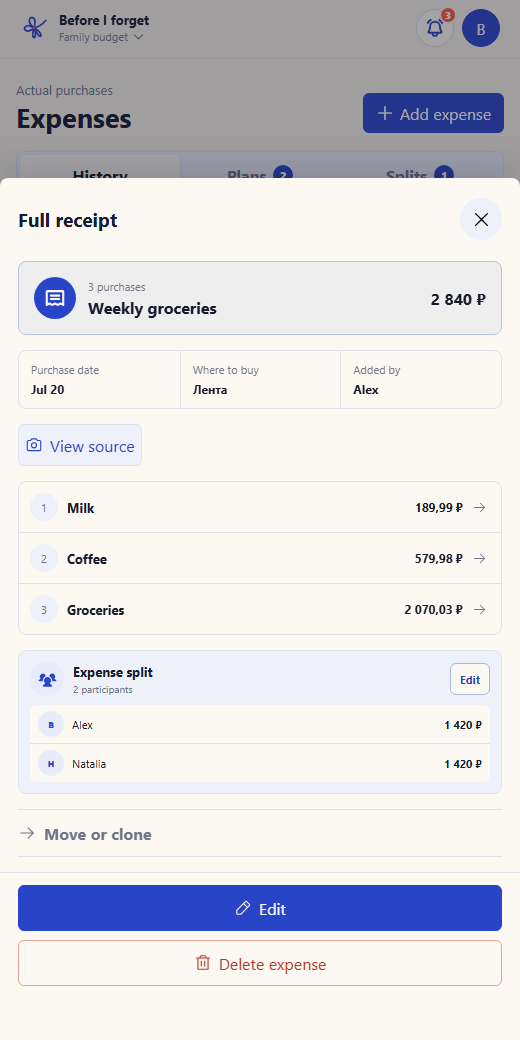
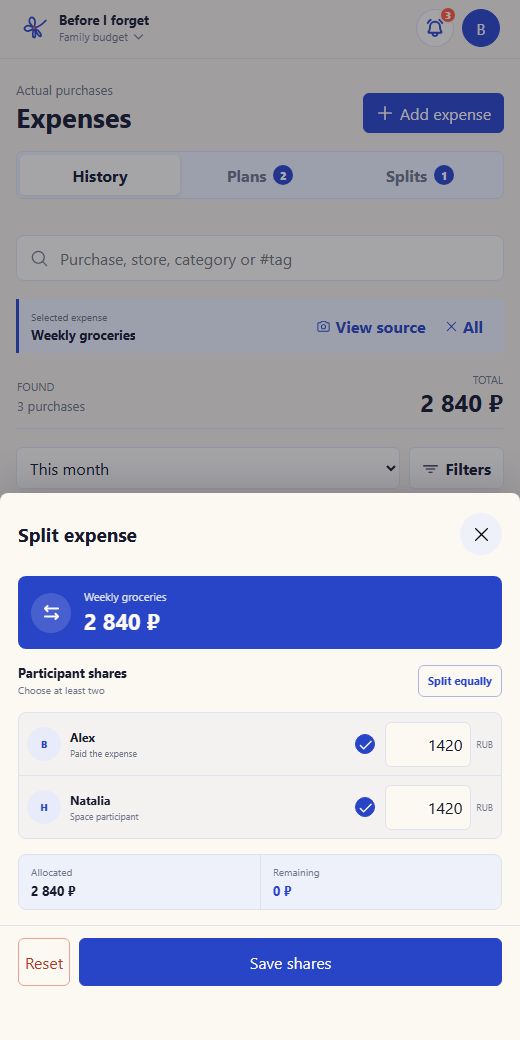
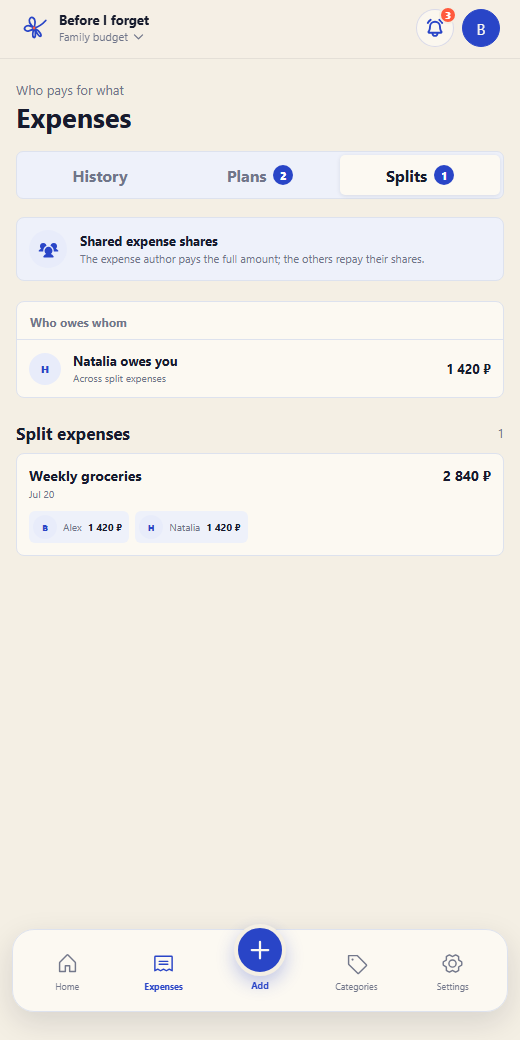
Choose an expense and the participants. The app calculates each share and shows who owes whom.
The essentials
A PWA is an installable web app. Open it from a link and add it to your home screen. It runs in its own window and does not require the App Store or Google Play.
No. It prepares the expense, and you confirm or edit the result.
Expense history, manual entry, editing, and access to your data remain available. Limits apply to new smart entries and to creating new categories, limits, plans, and spaces.
No. Your purchased balance is stored separately. A pack does not extend the subscription and remains available after it ends.
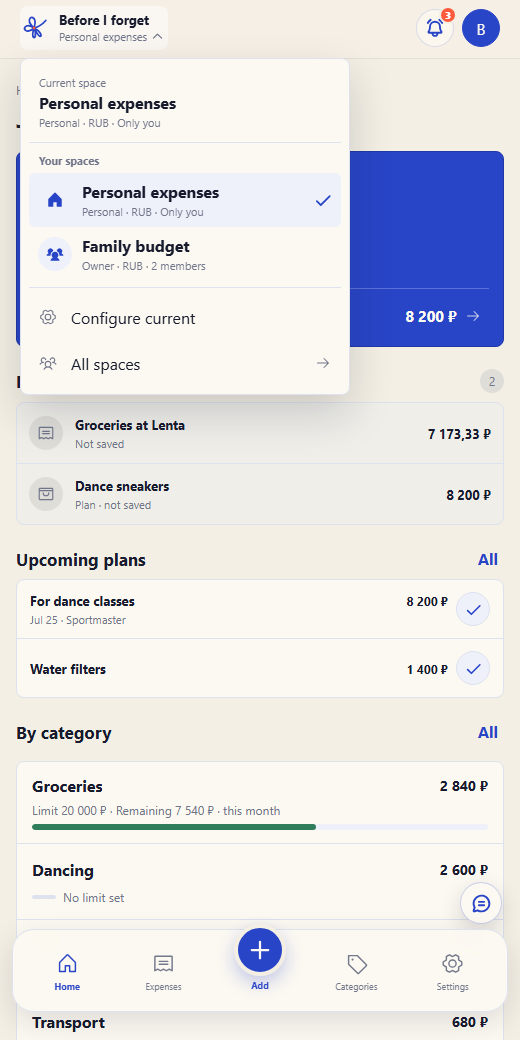
Yes. Shared spaces and expense splitting are there only when you need them. The app calculates each share and shows who owes whom.
Core data and source files for the Russian service are hosted on infrastructure in Russia.